One feed plays cleanly in a venue. As soon as an operator starts a second stream, the first begins to click or drop out. The coincidence narrows the investigation, but the shared bottleneck might be a switch port, a receive queue, a decoder or even a different problem exposed by the new source. Start with a controlled rehearsal rather than a permanent settings change.
Keep a Known-Good Reference
Record the feed locally before it enters the shared network. Note which devices, ports and applications carry it. Start and stop the second stream at logged times while keeping the content, routes and receiver configuration stable. If the local reference breaks too, diagnose the source before investigating transport.
Watch for the First Counter That Changes
Check relevant managed-switch port errors or discards, receiver packet and buffer statistics, and application render or decode warnings. Compare those readings to the audible gaps. If the network counters stay stable and one receiver alone fails as application load rises, test that receiver separately. If multiple devices lose timing or audio together, look for a shared network or clock-domain issue rather than increasing every buffer.
For an independent video or monitoring receiver, consult the T806 edge computer specifications and confirm supported network and application requirements on the exact build. Hardware capability is only part of the decision; your acceptance run has to use the actual traffic and software.

Prove the Correction Under Production Load
Make one reversible change at a time. A second route may test contention; moving a processing job may test receiver load. Repeat the original trigger several times and then run through the busiest segment without changing settings. Keep a receiver-side recording as well as the diagnostic logs.
Give TWOWIN your measured workload if evaluating a separate computer. Describe audio and video devices as distinct components, with the relevant interface, application and network roles.
Conclusion
Correlate the drop with the earliest evidence and retest the same trigger after the change. A quiet moment at rehearsal does not qualify the busiest scene.
Q&A
Will a larger buffer always help?
No. It can tolerate some timing variation at the cost of delay. It does not repair a bad route, faulty clock or overloaded receiver.
Should I use an Internet speed test to rule out the venue network?
No. Check the actual local path and workloads; a WAN throughput figure does not describe each port or receiver.
Cover photo: TurnOnTheNight / CC BY-SA 4.0 (resized).
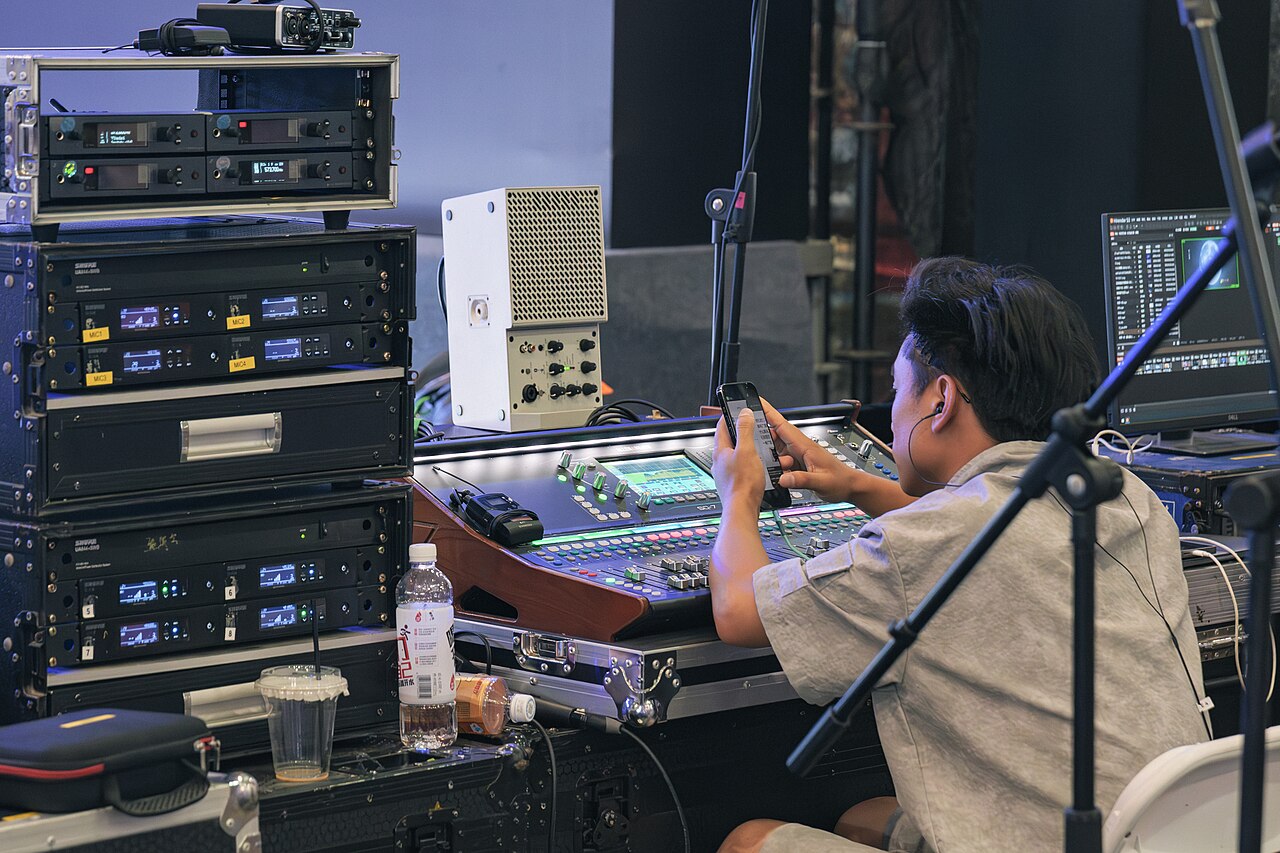
Body photo: Pittigrilli / CC BY-SA 4.0 (resized).