A set ends and the recording contains an unexpected gap. The screen showed the recorder again a minute later, so the operator suspects a software crash. That is one possibility, but a power interruption, device restart or disappearing storage can present much the same way. The recovery plan depends on what actually stopped.
Preserve the Evidence First
Save the files already written, the time of the interruption and any independent mixer recording. Do not repeatedly restart the system before collecting logs. Record whether the interface, network connection and screen changed at the same moment. Ask whether another device on a separate approved power source kept recording; this provides a useful timeline even if it does not establish the cause.
Compare System and Application Evidence
Check system uptime or boot identifiers against the gap. A new boot identifier supports a system restart, but it doesn't tell you whether the cause was power, an operating system fault or a deliberate reboot. If the boot stayed the same and only the recorder process restarted, inspect the application logs, storage free space and interface events. An absent error message is not evidence that the recorder remained running.
If an optional capture or logging appliance is being evaluated, refer to the T802 edge computer specifications for the specific hardware documentation. Its published input requirements are not a diagnosis of the venue supply.

Rehearse Recovery Away From the Show
On a nonproduction system, test a capture-app restart and a normal device reboot separately. Time how long it takes until a new file contains usable audio, not just until the UI opens. Check whether an interrupted file remains readable, whether the correct interface is selected and whether an operator can see that recording resumed. Have a qualified technician assess any suspected electrical problem.
When discussing a replacement computer with TWOWIN, provide logs and the tested startup sequence; keep assumptions about the cause separate from observations.
Conclusion
Use evidence of what restarted to classify the incident. Keep a separate recording path and qualify recovery at the file level before the next show.
Q&A
Does a reboot prove the outlet lost power?
No. Check independent power and device records where available; several events can restart a system.
Is an open recording window proof of recovery?
No. Play the new file and verify that it contains the right sources after the interruption.
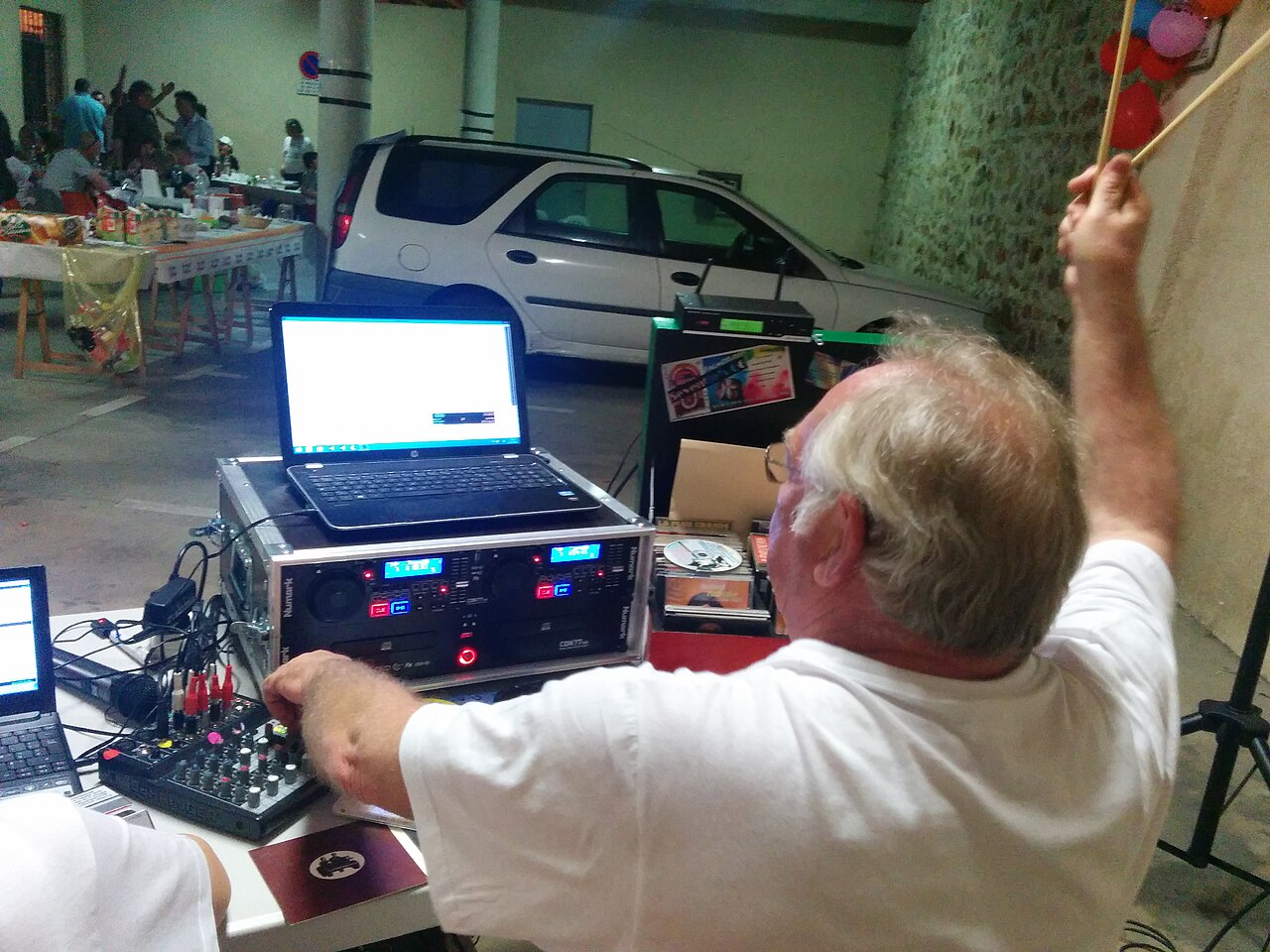
Cover photo: Christine und Hagen Graf from Fitou, France / CC BY 2.0 (resized).