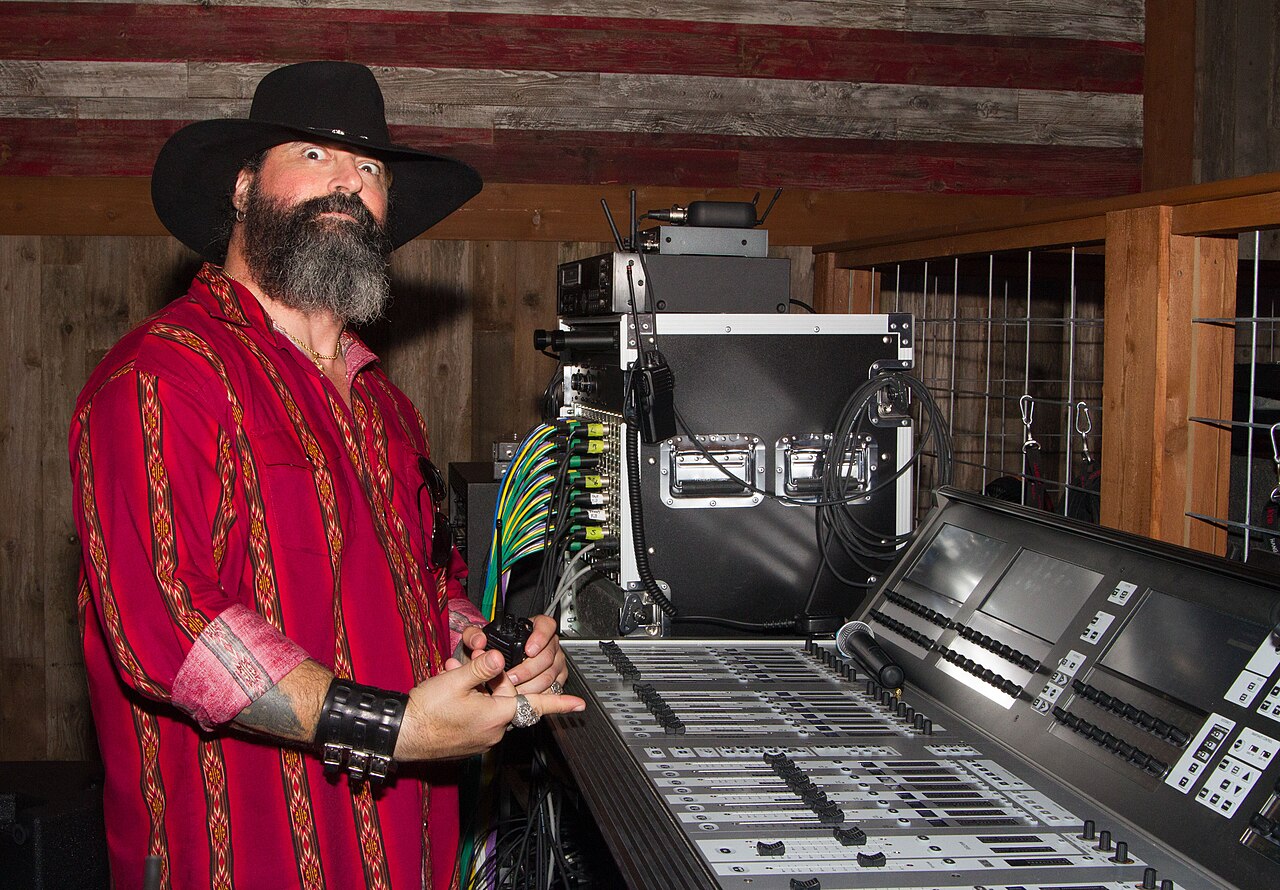
A rack survives its bench check and loses an audio channel after it is rolled into place. The rack may have changed position relative to the stage box; a drawer or lid may also have tightened a cable that looked loose during assembly. Treat movement as a repeatable test condition rather than an excuse to buy more spare connectors.
Identify What Moves During Normal Work
List the lid, drawers, detachable panel and service positions. Note which connectors should be disconnected before transit and which are intended to remain attached. Check the cable manufacturer's bend guidance and leave enough slack for motion without pinching or allowing cables to brush fans. Use suitable rack support and strain relief rather than relying on the connector to hold the cable's weight.
Verify Signal as Well as Appearance
With the rig in a controlled test position, send a known audio signal and monitor the corresponding channels. Check the rack with the lid or door in its intended position and as an approved service drawer moves through its normal range. Log each affected source. If one source drops while the others remain stable, test that cable and port using a safe known-good substitute.
If the same rig includes a separate camera evidence path, the T808P-G edge computer product page is a reference for checking that computer's camera integration. Its camera connections do not replace the audio stage-box interface or prove that the assembled rack can tolerate movement.
Build the Findings Into the Handover
Photograph the cable paths and label both ends. Document the minimum disconnect procedure, how to check the critical channels after arrival, and which motion produced a failure during rehearsal. If asking TWOWIN about a companion computer, provide the mated connector dimensions and exact orientation so an enclosure fit check can include the cable assembly.
Conclusion
Qualify the rack with its intended cable assemblies in real working positions. A live signal and a clear physical path are both required.
Q&A
Can zip ties replace strain relief?
No general rule applies. Use suitable support and avoid crushing the cable; verify the assembly against component guidance.
Should all connectors remain attached in transit?
Only where the rack and equipment are intended for that configuration. Document the correct disconnect and setup sequence.
Cover photo: Redneck Country Club / CC BY 2.0 (resized).